> ## Documentation Index
> Fetch the complete documentation index at: https://api.tryitonai.com/llms.txt
> Use this file to discover all available pages before exploring further.
# Prompting for edits
> Keep it simple!
### The Art of Machine Talk
There are two core parameters that (generally) dictate user satisfaction: **images used** and **prompts**.
The quality of an image used is quite a universal concept. Blurriness is perceptible to all, for example.
Good prompts, however, are a bit more nuanced as they require a knowing a bit of **machine talk**.
One of Try it on's operating philosophies is to design tools that reduce as much guesswork as possible;
to go from thought to result with as little information loss as possible.
Now, because `recreate` requires a human to describe what they want to see, one must guide their users.\
in the right direction so the experience does not become frustrating.
That said, if you decide to implement `recreate`, make sure to educate your audience so
they have the best experience possible.
### Prompting Recreate
The cardinal rule with recreate is to say exactly what you want to see generated.
Users tend to prompt much more than that. They may use words like `please`, `change`, or `keep`.
Those words don't help the AI understand what you want to see, and may even confuse it into generating
something you don't want.
❌ Don't
* "please change the background to a forest"
* "keep the wall but change the color to green"
* "different background"
✅ Do's
* "outdoors"
* "in a forest"
* "green background"
Many people will treat the prompt as an instruction to a person.
Instead, one must treat the prompt is part of a sentence that describes the image.
### Ok, but why?
For the intellectually curious: why is the above true? When image generation models
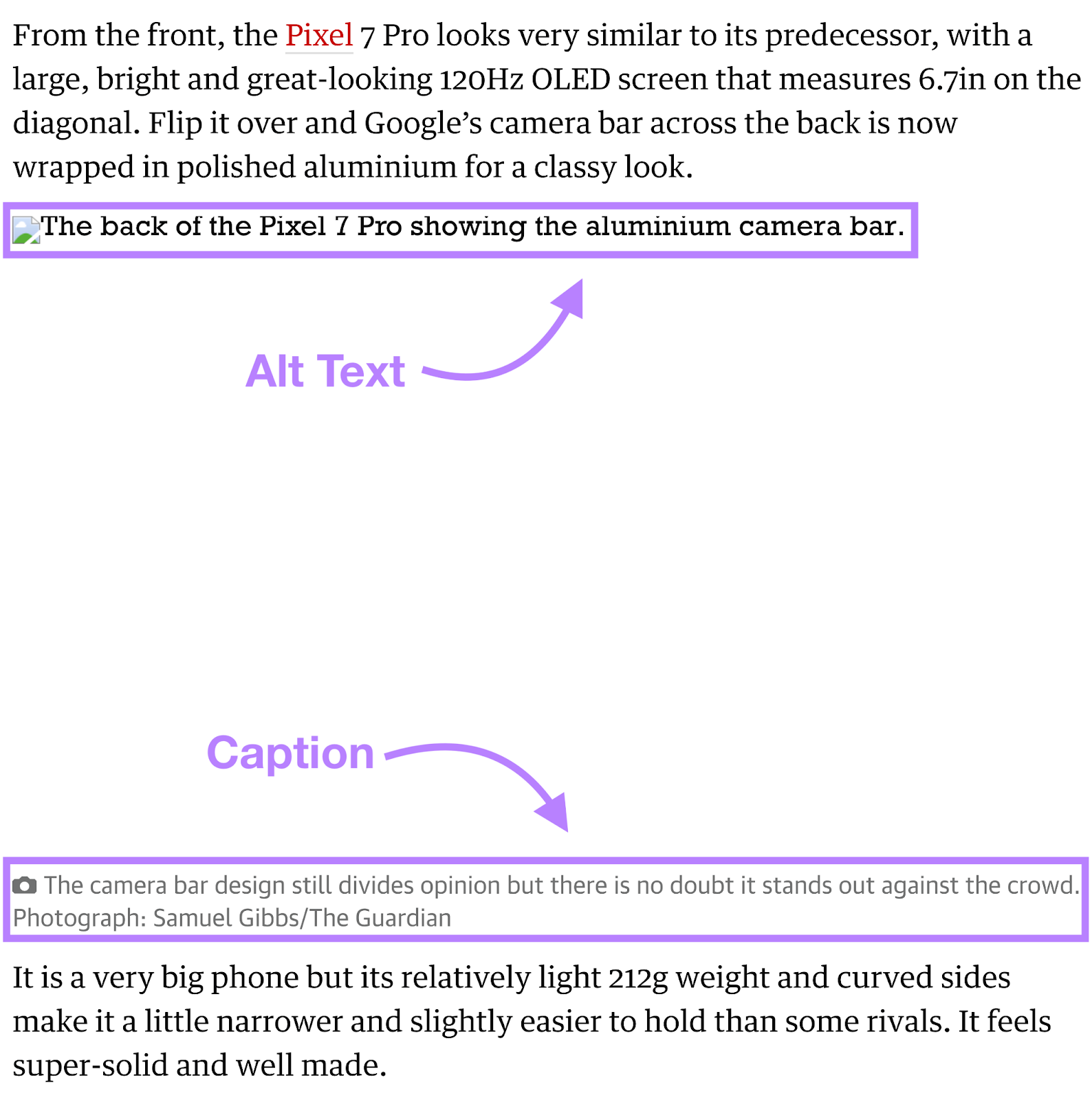
were trained, they were trained using the Alt-text of images on the internet. So, in a way,
this alt-text is the language that image generation models use to understand the world.